Travel
Tickets, booking details and a packing list.
 Pin My File
Pin My File · iPhone & iPad
Your ticket, project PDF or checklist, ready when you need it. Choose one file to open automatically, or keep up to nine close at hand.
First slot free. No account. No subscription.
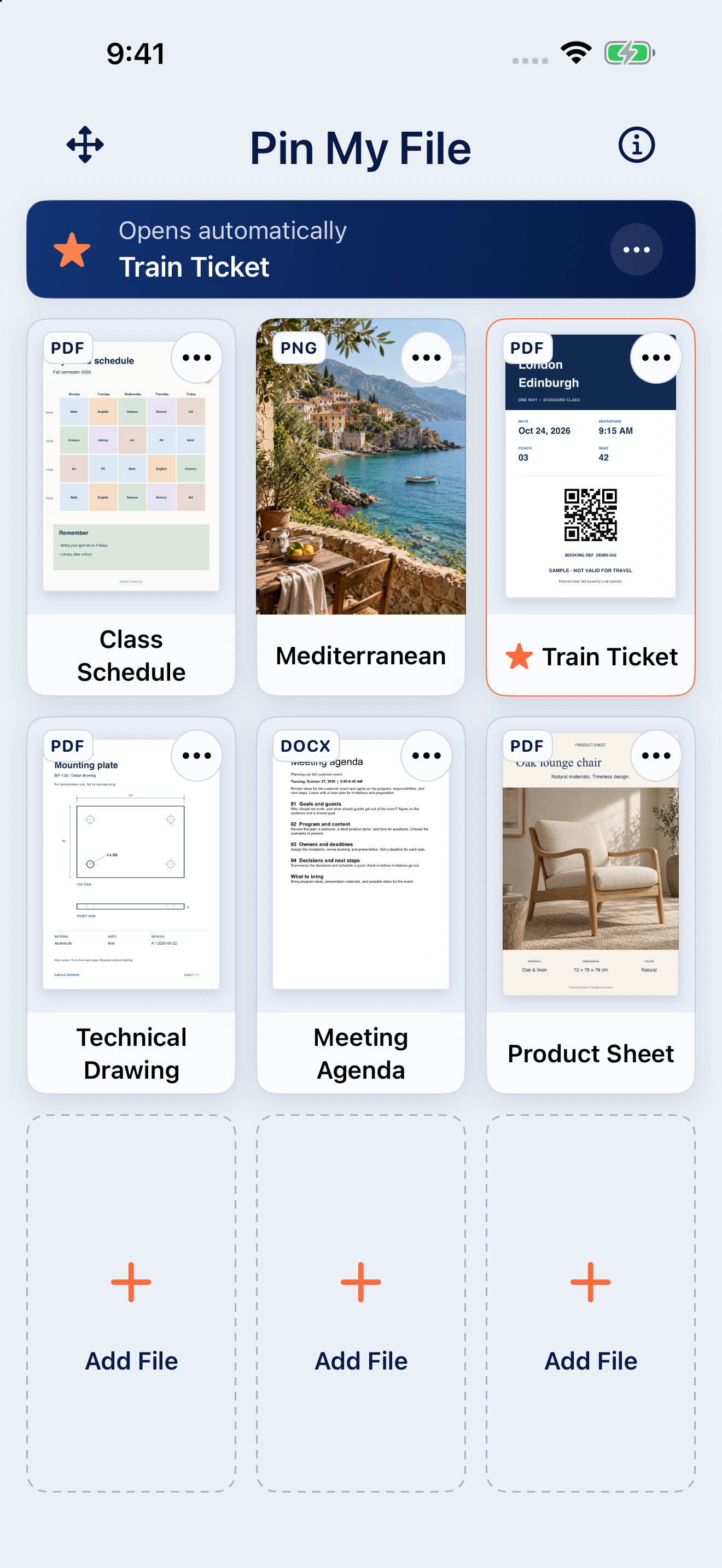
Tickets, booking details and a packing list.
Project guides, schedules and reference material.
Recipes, event details and useful QR codes.
Drawings, measurements and safety instructions.
Tap an empty slot and choose a file, photo or another source.
Open the file’s options menu and choose Open Automatically.
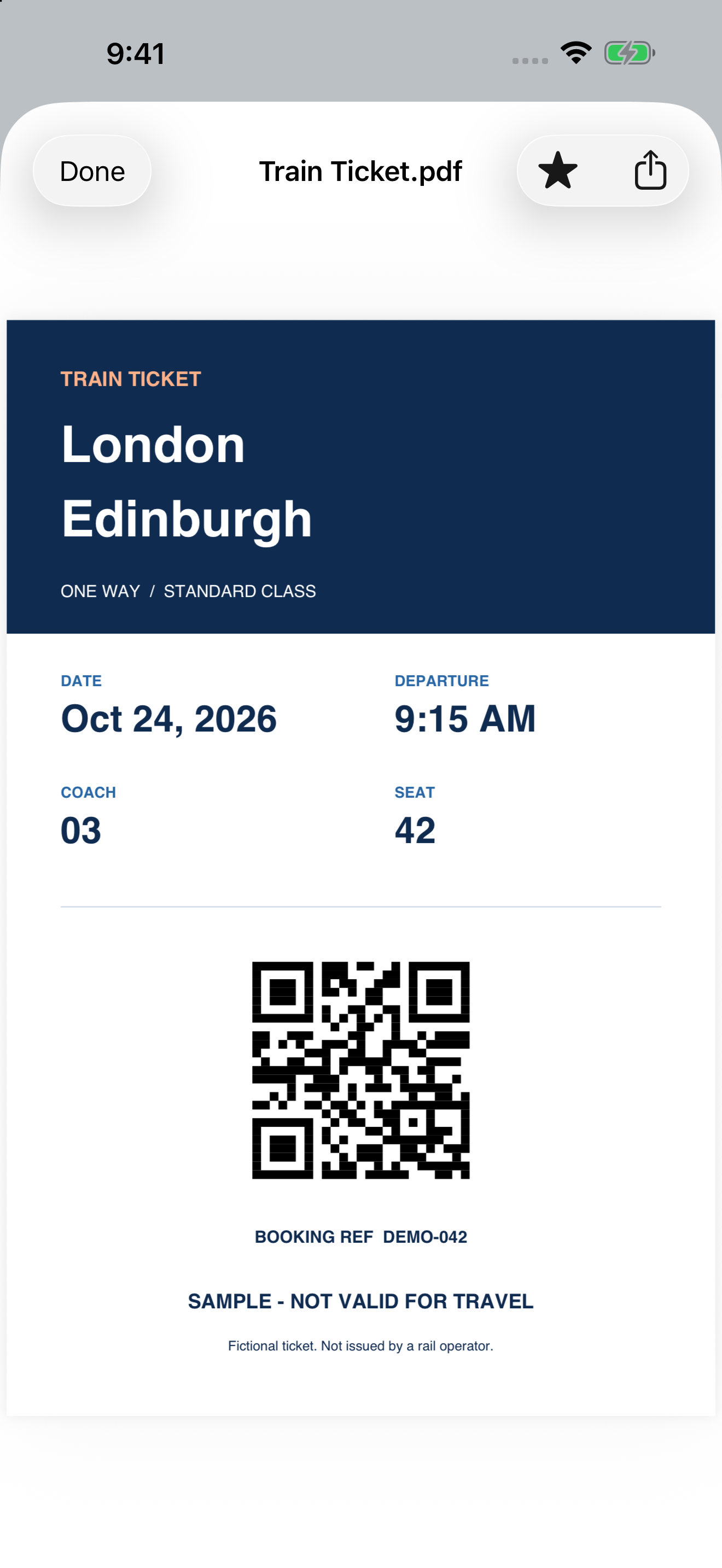
Your chosen file opens. Tap Done to return to the grid.
Sending the product sheet again? Keep it in Pin My File, open it and tap Share. No need to find the original every time.
Add, share and manage your files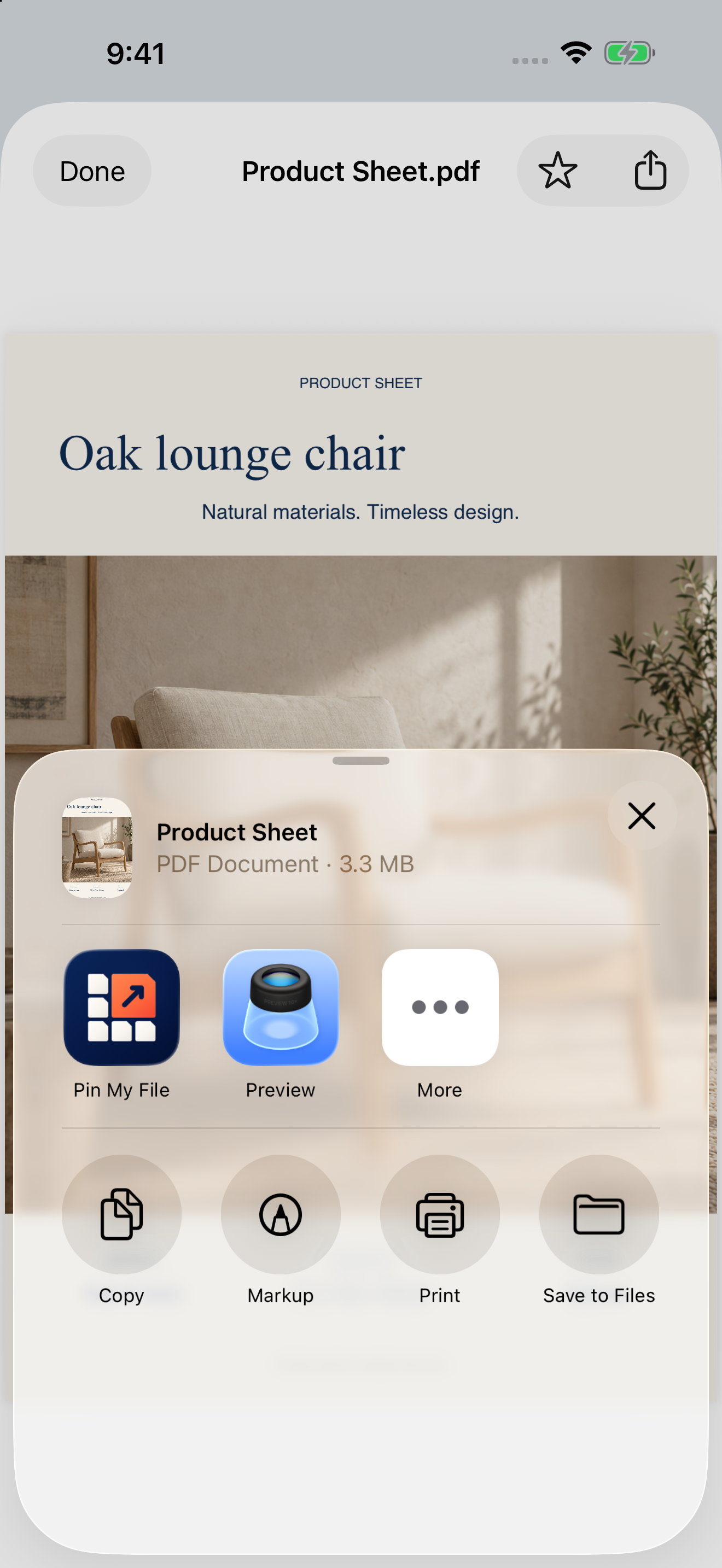
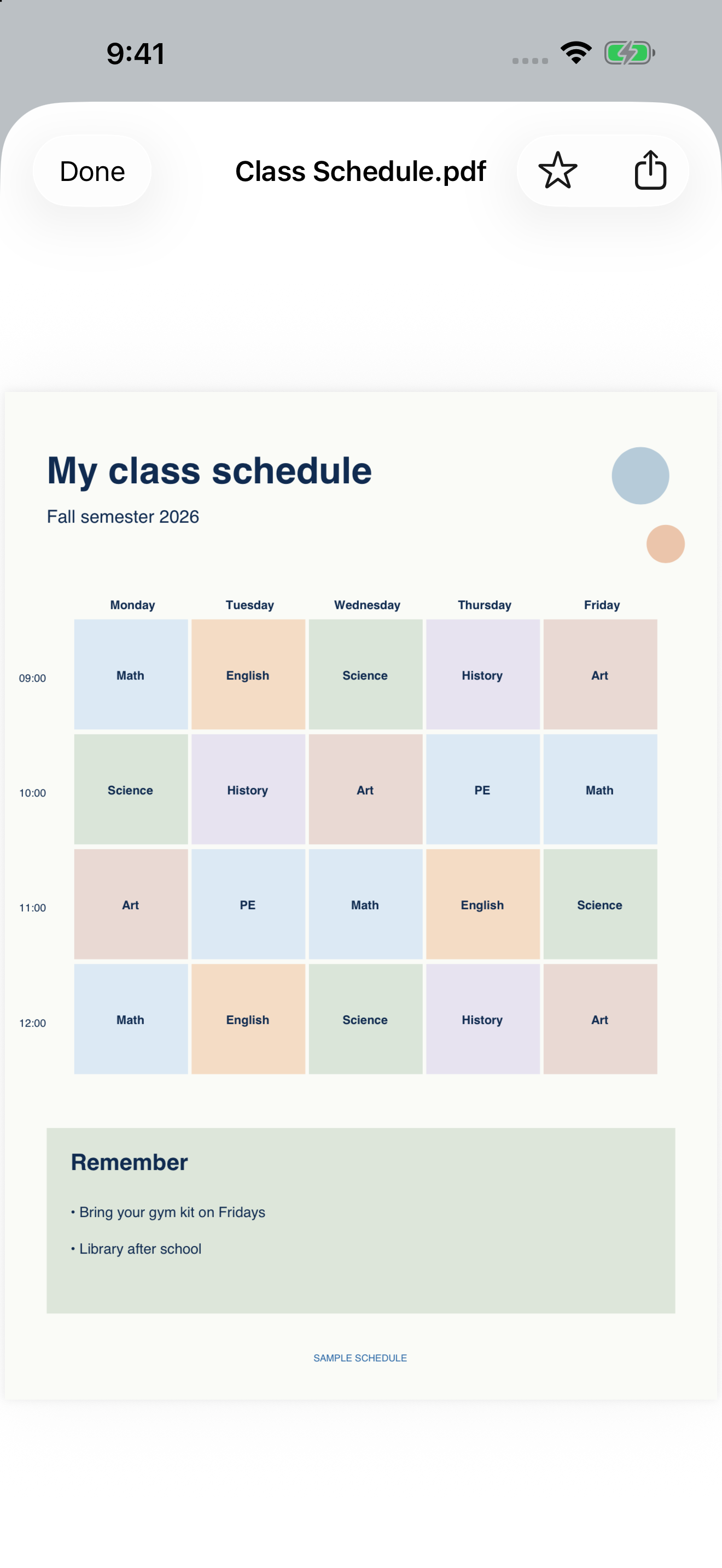
Check the next lesson without searching through messages.
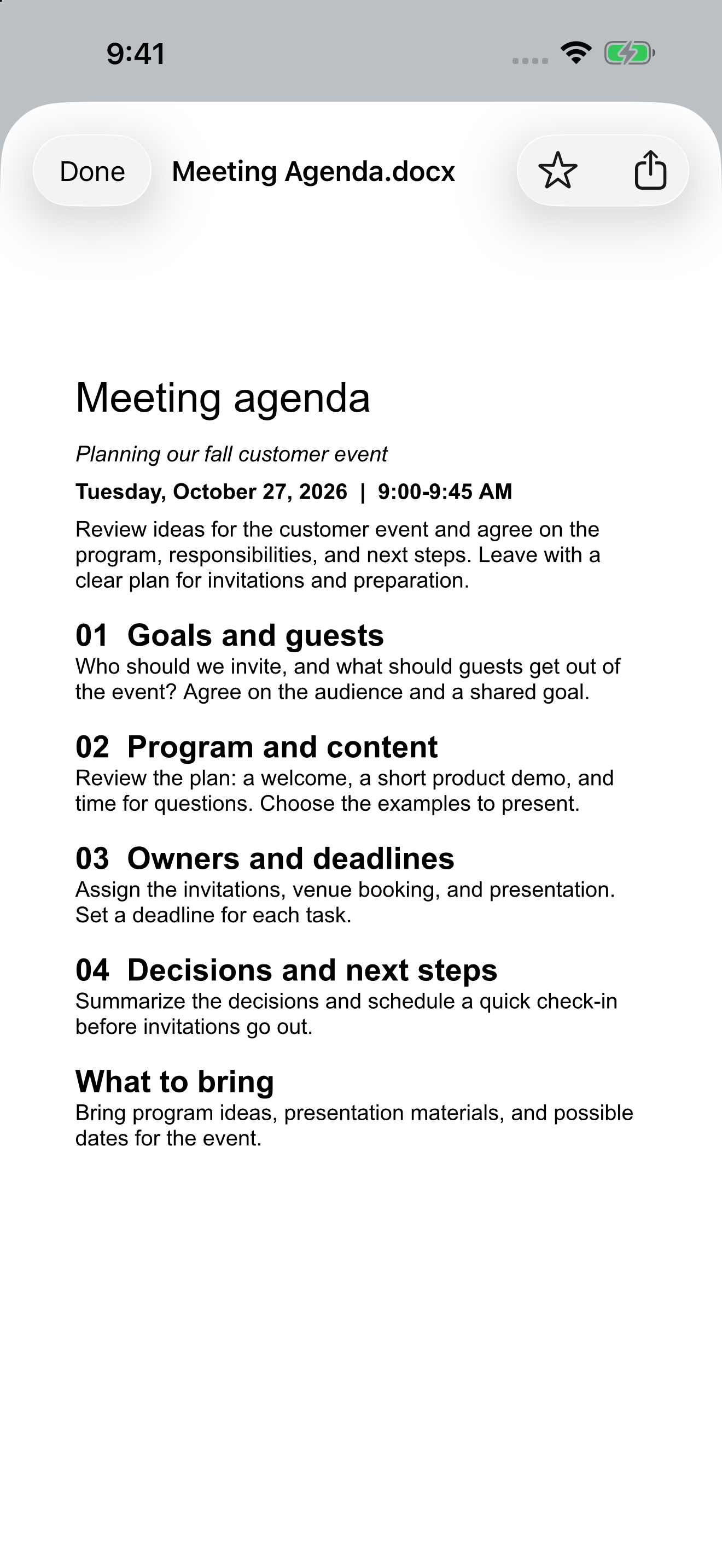
Keep the agenda handy when the conversation starts.
Keep a useful image beside your everyday documents.

New in version 1.2
Read a drawing, timetable or document in a full-screen preview on iPad. The file gets the space it deserves.
Recognize your files at a glance with redesigned cards. On iPad, open documents in a full-screen preview.
Download on the App Store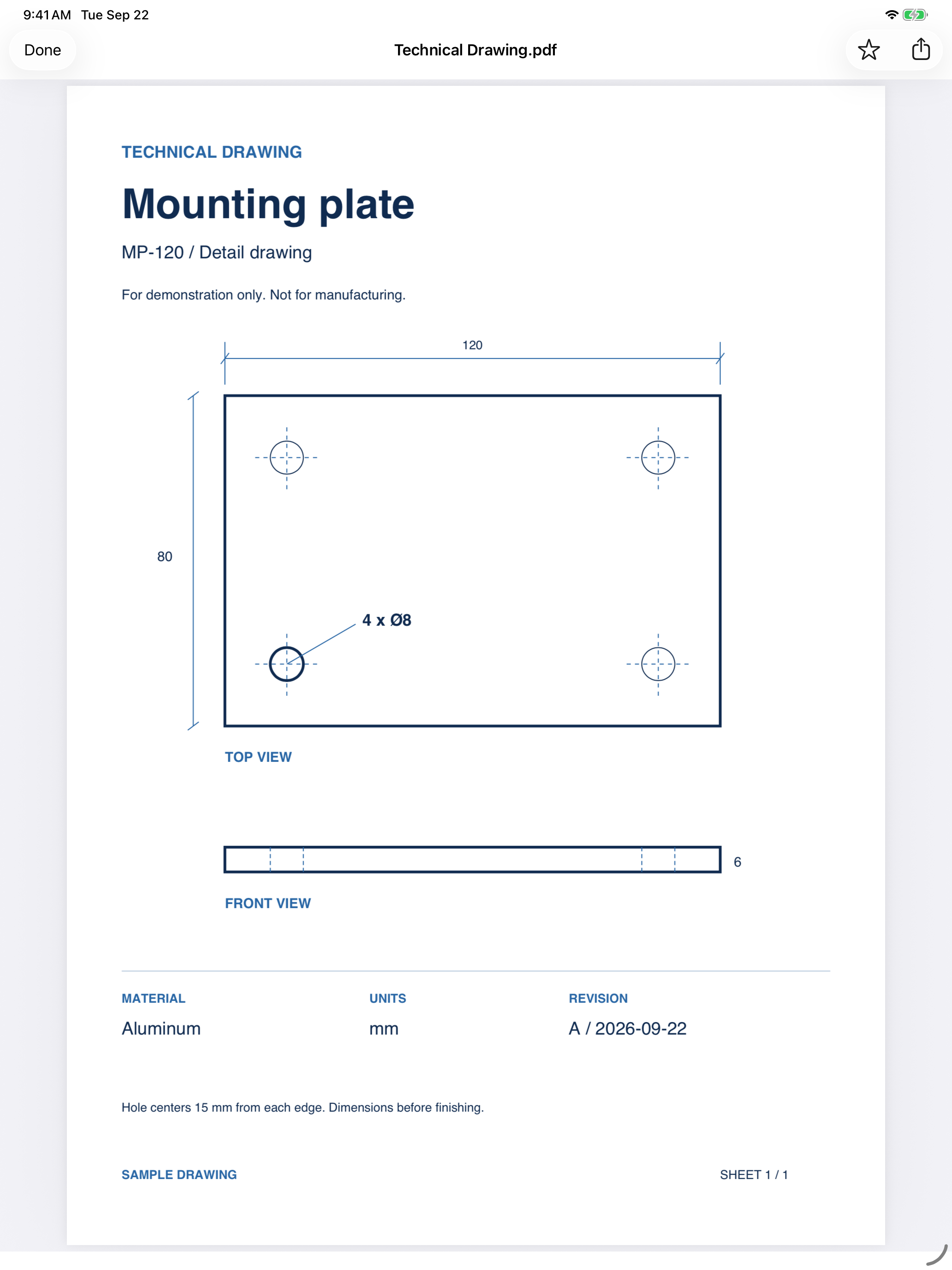
Pin My File stores local copies you can open offline. No app account, ads, analytics or tracking. Changes to the original file do not sync; replace the pinned copy when you need an update.
Read the privacy policyFree
US$0.99 · one-time purchase
US App Store price, checked 7 September 2026. The app shows Apple’s current price in your region. Full Access is an optional in-app purchase, not a subscription.
Step-by-step help for adding files, automatic opening, arranging and common problems.
Optional email updates
Join for Pin My File news and carefully selected studio updates. This is optional and does not affect your access to the app.

Long Lasting Apps is an independent Swedish app studio. We create thoughtful apps for Apple platforms with a clear focus, respect for your privacy, and quality that lasts.
Explore Long Lasting Apps